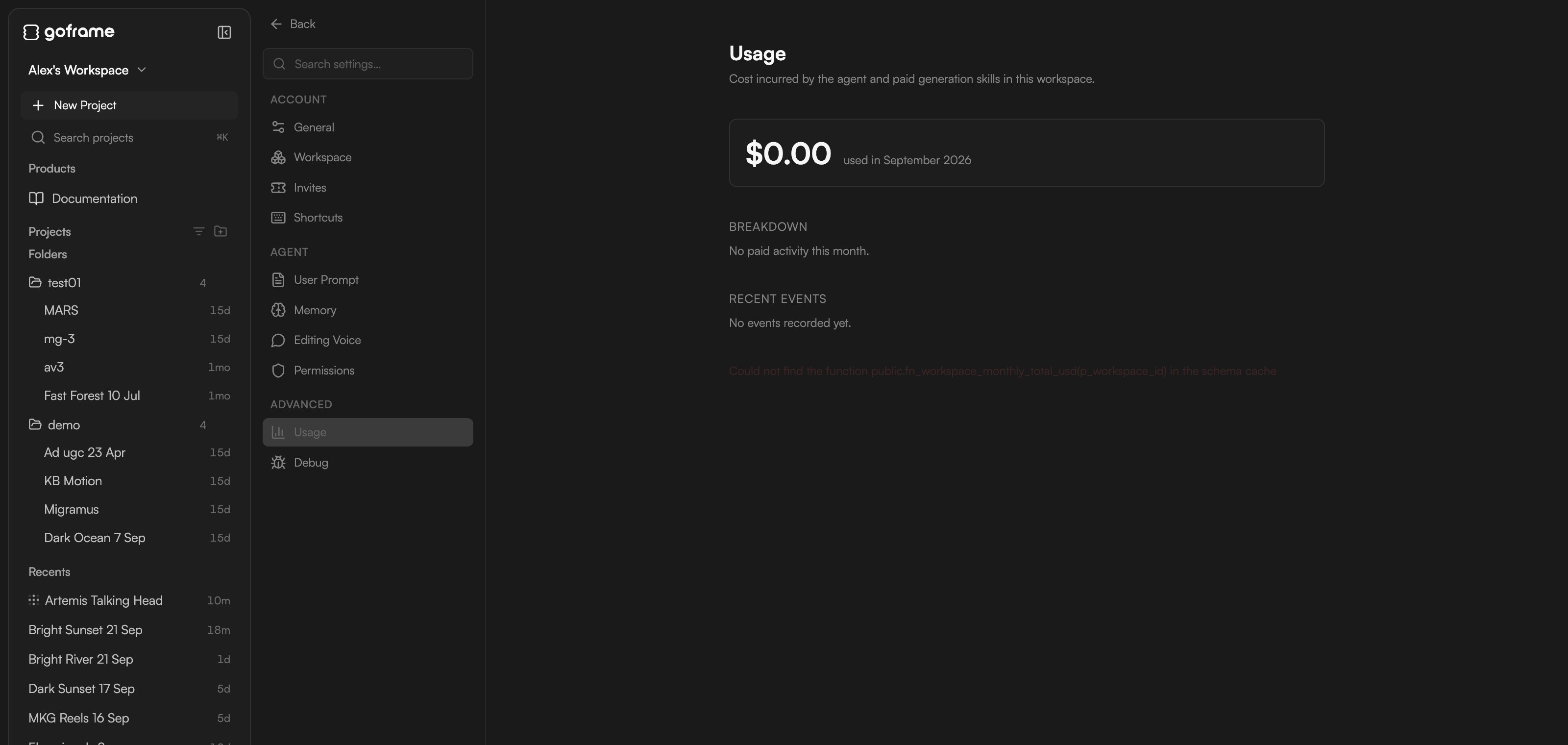
User Prompt: workspace and project rules
Rules are plain-English instructions the agent follows on every turn. There are two scopes:- Workspace rules: persistent across every project in this workspace. Use them for brand voice, style rules and shared conventions (“always keep captions under two lines”, “never use stock music with vocals”).
- Project rules: apply only to the current project. Use them for episode-specific instructions or one-off overrides (“this episode is 4:5 for Instagram”).
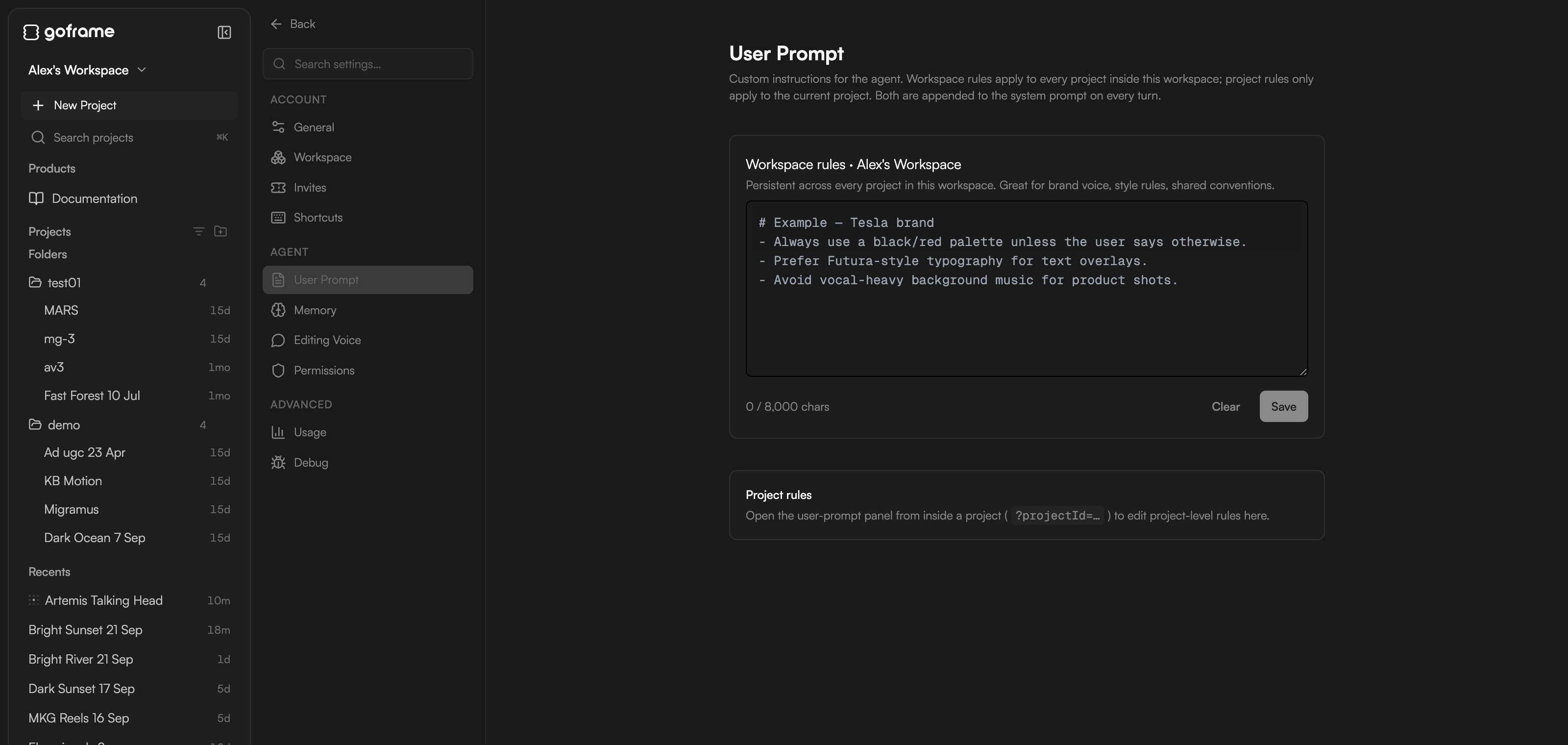
Memory
Memory is what the agent keeps across sessions and projects. The agent writes entries itself as it learns about you and your work; you can also add, edit, pin or delete them here.- Workspace memory: “N entries · shared across every project in this workspace” (brand facts, your role, house style).
- Project memory: scoped to one project (goals, deadlines, decisions made in this edit). Shown when you open Settings from inside a project.
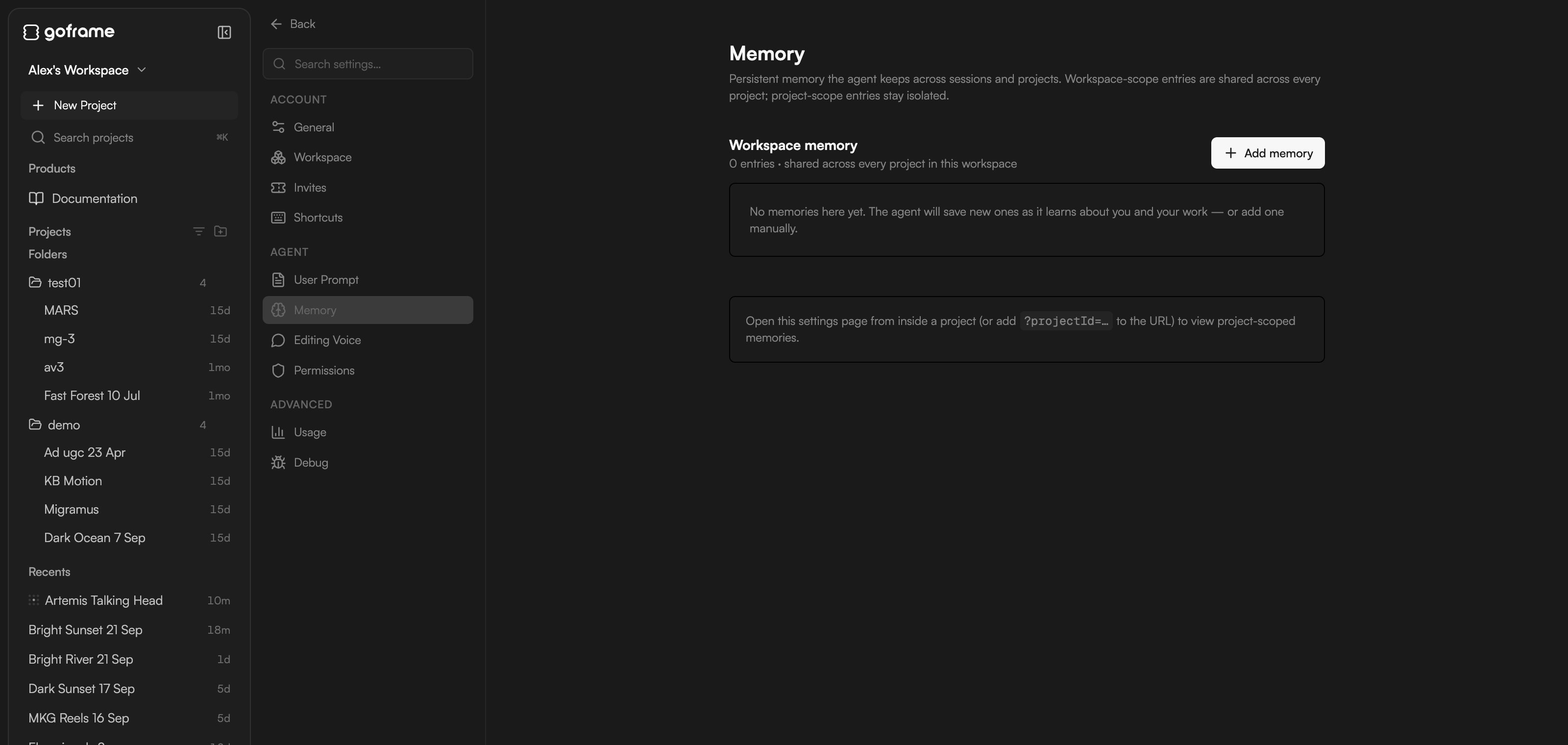
- Name: short, snake_case, for example
caption_style. - Type: User (a stable fact about you: role, responsibilities, preferences), Feedback (how the agent should work, with a “Why:” line), Project (ongoing work facts, goals, deadlines), Brand (voice, palette, typography, approved references) or Reference (a pointer to an external system).
- Description: a one-line hook the agent uses to decide when the entry is relevant.
- Body: the content.
- Pin — always injected into system prompt (use sparingly): unpinned entries are pulled in only when relevant.
/remember in the chat to audit it: the agent surfaces stale entries, duplicates and project notes worth promoting to workspace scope, and changes nothing without your approval.
When you create a project you choose its memory scope: Workspace memory (inherit everything), Project-only (start clean, for a different brand or confidential work) or Hybrid (inherit, but let project entries override matching ones). See Home and projects.
Session notes
Inside a project, below project memory, Session notes is a structured summary the agent writes for itself after the first few turns in a project and keeps updated (“updated 5m ago · turn 12”). It survives/compact, so the agent picks up where it left off. Click Clear notes to reset it; a copy is downloaded first and the agent rebuilds the notes on the next turns.
Editing Voice
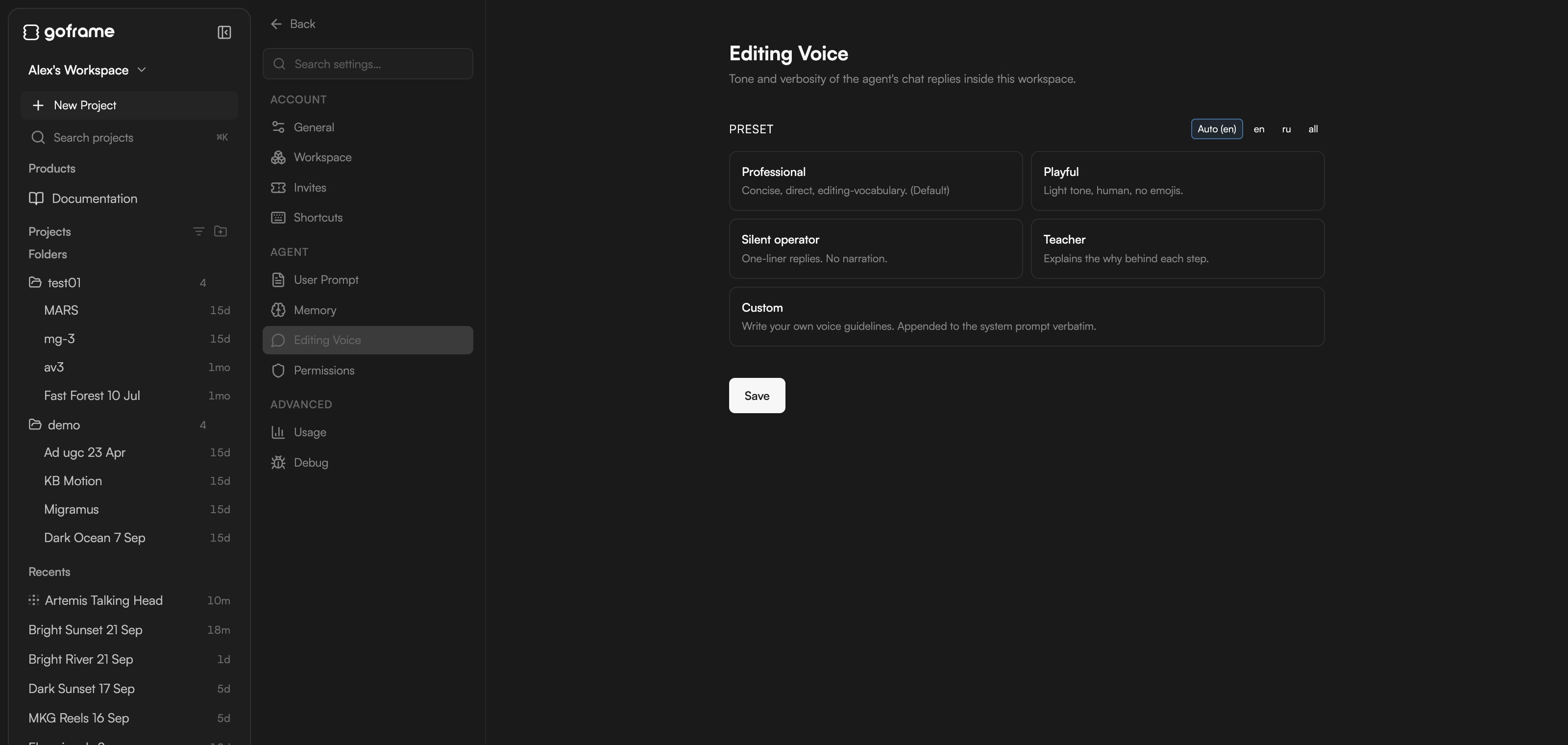
Editing Voice sets the tone and verbosity of the agent’s chat replies in this workspace. It does not change what the agent does, only how it talks about it.
Use the Preset filter (Auto (en), en, ru or all) to show the presets for one language, pick a card and click Save.
Permissions
Permissions holds cost-aware auto-approval rules that apply to every project in this workspace: Always ask for anything above (USD), Monthly spend cap (USD, 0 = no cap), and per-skill Auto-approve and Always ask lists. The full walkthrough is in Review proposals and approve actions.Usage
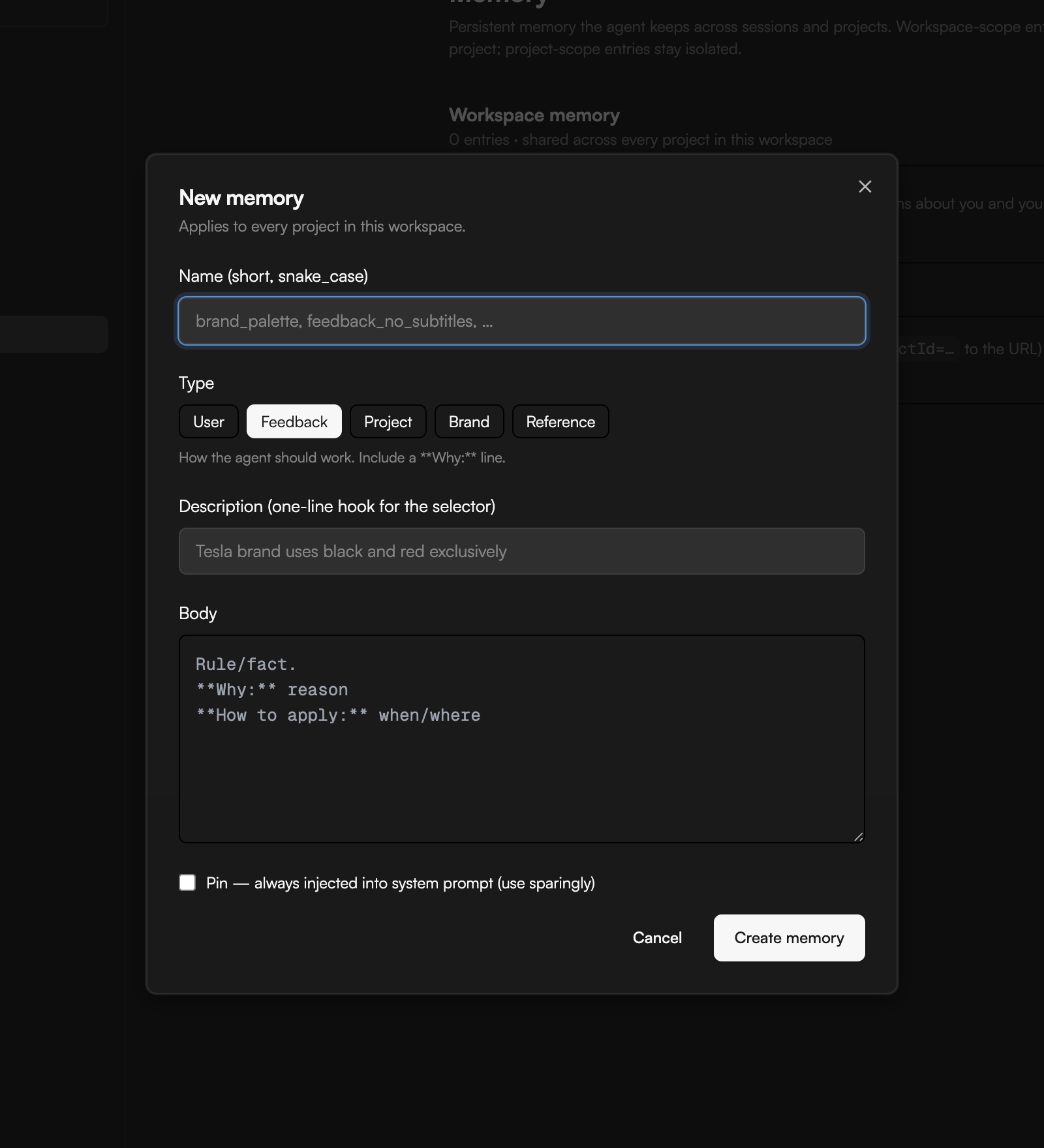
Settings → Advanced → Usage shows what the agent and paid generation skills used in this workspace this month (for example $0.00 used in September 2026), a Breakdown and a list of Recent events. Use it to see which skills consume the most credits. Your remaining balance is always in the project footer next to the ⚡ icon; see Plans and credits.