

Compare plans
The plan cards appear in the dialog for Free, Creator and Pro accounts. Accounts on a grandfathered early plan see only the credit packs.
Annual billing saves 20% (Annual −20% in the dialog): Creator works out at 40/mo. For Enterprise, click Contact us on the plan card or email hello@goframe.dev.
What costs credits
Every paid action shows its cost before it runs: edit proposals and permission requests carry a Cost line, and the agent announces spending before it happens. Typical rates:
Avatar videos, upscales, sound effects and motion graphics are priced per job; read the cost on the card before approving. Importing media, editing the timeline, captions and exporting from the dialog are free.
The project footer shows your credit balance next to a ⚡ icon at all times; click it to open the plans dialog. See AI models for what each model does.
How credits expire
- Subscription credits refresh every month and expire at the end of each billing period. On Free, each monthly grant of 150 credits lasts 35 days.
- Purchased credits never expire, so packs act as a reserve.
Credit packs
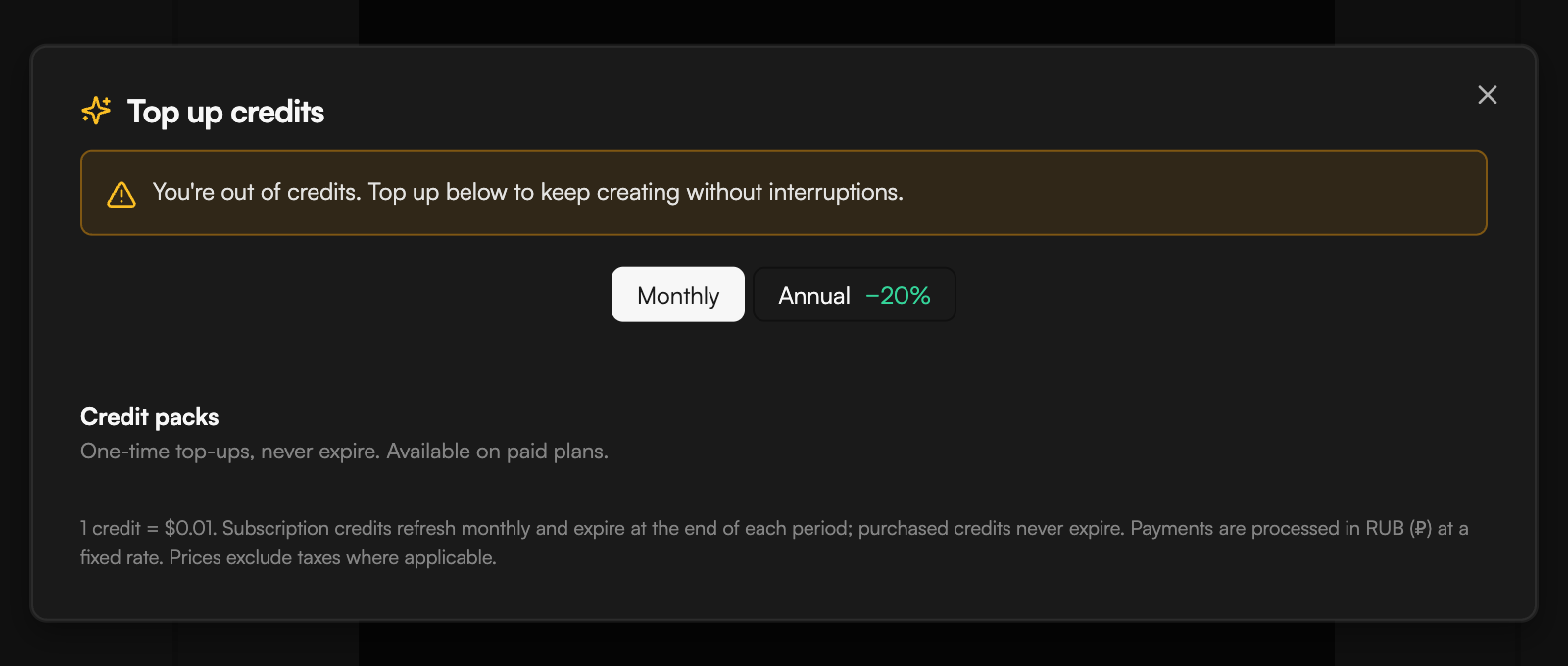
Packs are one-time top-ups for paid plans (“One-time top-ups, never expire.”).
On the Free plan the pack cards are disabled with “Available on paid plans.”
Upgrade or buy credits
1
Open the dialog
Click the credits counter (⚡) in the project footer. Depending on your plan the dialog is titled Plans & credits or Top up credits. It also opens when you click Upgrade to remove on the export watermark notice, or a locked resolution, transparent or NLE option.
2
Choose Monthly or Annual
Toggle Monthly / Annual −20% at the top. Your current plan is marked on its card.
3
Pay
Click Upgrade on the plan you want, or the price button on a credit pack, and complete the payment in the in-app payment widget. The footnote sets the terms: “Payments are processed in RUB (₽) at a fixed rate. Prices exclude taxes where applicable.”
Running out
- Insufficient Credits in chat means the next action would cost more than you have. Click Top Up Credits, or click the credits counter in the footer. The dialog warns “You’re out of credits. Top up below to keep creating without interruptions.”
- On Free, after 20 prompts in a day the agent stops with Daily AI prompt limit reached. Upgrade to continue, or come back tomorrow; prompts reset daily.