

Start a transcription
Any of these starts the same job:- Open the Transcript panel in the Editor layout. Each video or audio file in the project is listed with a Transcribe button; before the first transcript the panel reads Edit video by editing text — Transcribe this file to cut, trim and clean it up straight from the transcript.
- In the Captions panel, click Transcribe N files to transcribe every clip with speech on the Timeline at once.
- Ask the agent. Prompts such as “Add captions” or “Remove filler words” transcribe the footage first if needed.
A transcript belongs to the asset, not to a clip. Cut, split or duplicate the clip as much as you like; every piece keeps its words.
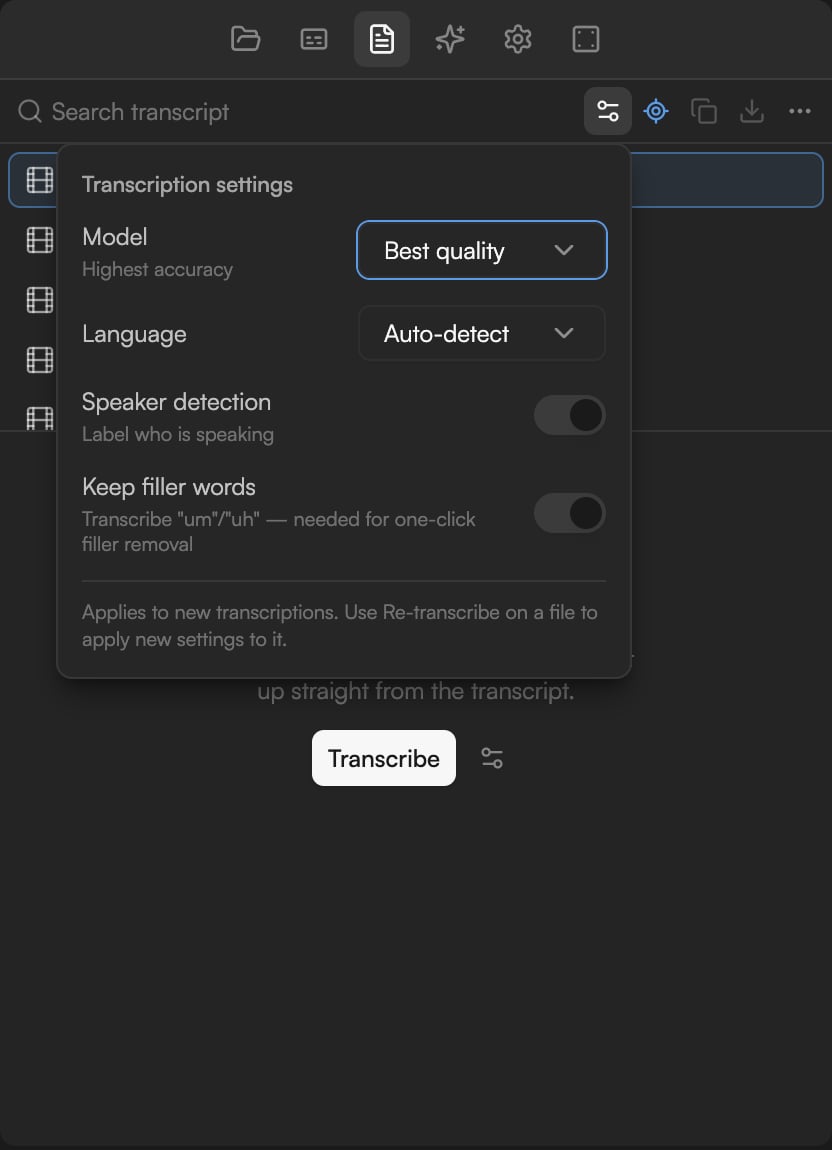
Transcription settings
Before the job starts you can adjust Transcription settings (the sliders icon in the Transcript panel header). As the popover says, they apply to new transcriptions; use Re-transcribe on a file to apply new settings to it.Languages
Highest accuracy offers: English, Español, Français, Deutsch, Italiano, Português, Nederlands, Dansk, Suomi, Norsk, Svenska, Türkçe, العربية, עברית, हिन्दी, 日本語, 中文, Tiếng Việt. Multilingual adds: Русский, Українська, Polski, Čeština, Română, Ελληνικά, Magyar, 한국어, Bahasa Indonesia, ไทย. Its Auto-detect mode recognizes 99 languages in total.Statuses
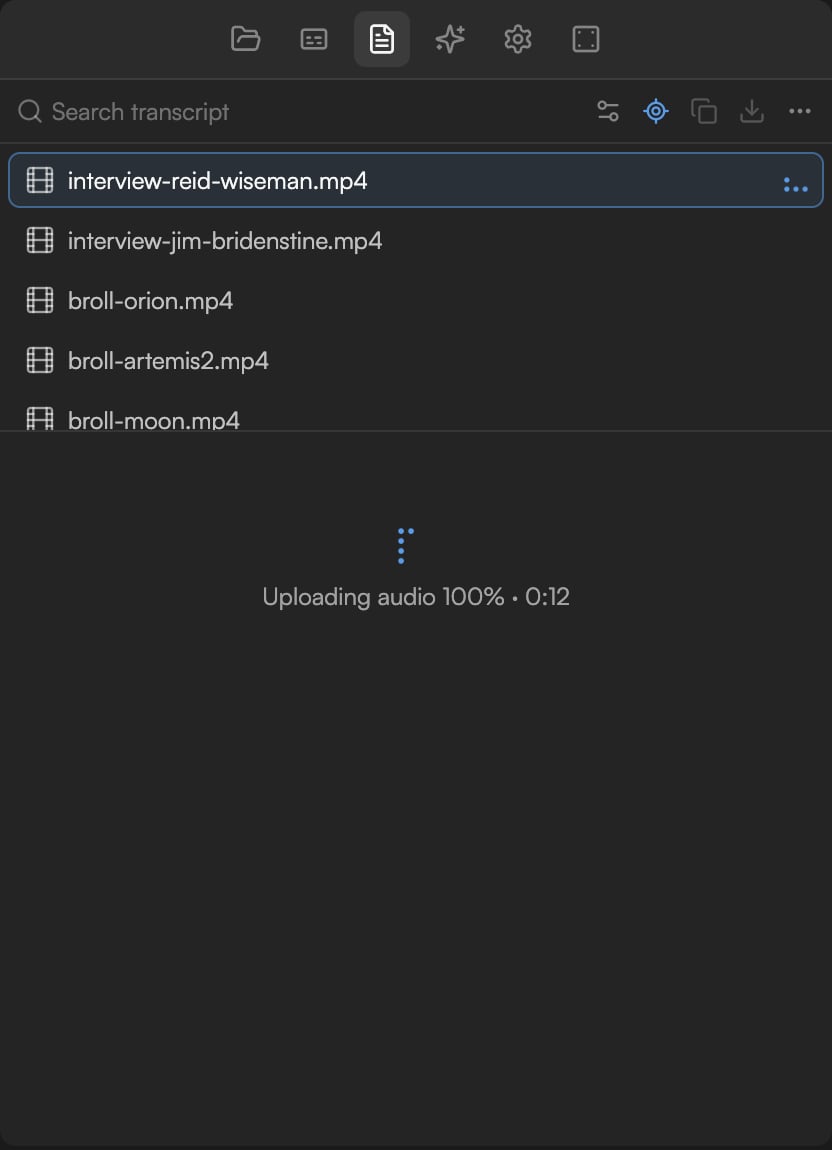
Transcription runs in the background. The clip on the Timeline shows a Transcribing badge, and the file’s row in the Transcript panel and the Background tasks panel show the current stage:
If the file is not on the Timeline yet, the panel then reads Add this file to the timeline to view and edit its transcript. Click Cancel transcription in the Transcript panel to stop a running job.
Cost and limits
- Transcription costs about 1 credit per minute of audio. Credits are charged once per asset; editing the transcript and building captions from it cost nothing extra.
- A source file can be up to 24 hours long.
- Up to three transcriptions run at the same time; beyond that, extra jobs wait for a free slot.
Re-transcribe
Use Re-transcribe on the file in the Transcript panel to run the job again, for example after changing the language or model, or when a partial transcript needs fixing. Re-transcribing replaces the transcript and is charged again.What a transcript unlocks
- Text-based editing: delete a sentence in the Transcript panel and the clip is cut on the Timeline. See Edit video by editing text.
- Captions: the Captions panel builds every caption page from the transcript’s words and timings. See Captions.
- Search: find any spoken phrase with Search transcript.
- Agent context: the agent reads transcripts to find highlights, remove repeated takes, cut by topic, or reference a passage you
@-mention in chat.
Troubleshooting
- No speech detected: check the audio in Preview. Music-only or very quiet tracks will not transcribe. Try again with the language set explicitly.
- Transcription failed: re-transcribe from the panel. If it keeps failing, check the file’s status in the Background tasks panel and that you have credits left.